How to Replace a Lost Military Spouse ID Card While PCSing
Losing a military spouse ID during a PCS can interrupt base access, child care, commissary privileges, or installation services. The first step is to identify the credential: an Army Family ID, a Common Access Card for an eligible dependent, and an installation-specific photo pass serve different purposes and follow different replacement paths.
For an Australia-based family, Australian identity documents can support an application, but a driver’s licence, passport, or Medicare card does not prove U.S. military sponsorship. The spouse’s DEERS record, the sponsor’s transfer, and the destination installation’s access policy must remain aligned.
Identify the Card Before Reporting the Loss
Compare the missing item with any photograph or digital record of it. An Army Family ID may support installation services or dependent recognition; a Common Access Card may carry base-access privileges; and some installations use their own photo passes. The issuing office and card type determine who can replace it, so avoid assuming that every lost military spouse ID follows one Army-wide process.
Start with the current installation’s Welcome Center, Family Resource Center, security office, or CAC office. If the card was stolen, report that separately and obtain a local police report when the installation requests one. A police report records the theft; it does not issue a replacement credential.
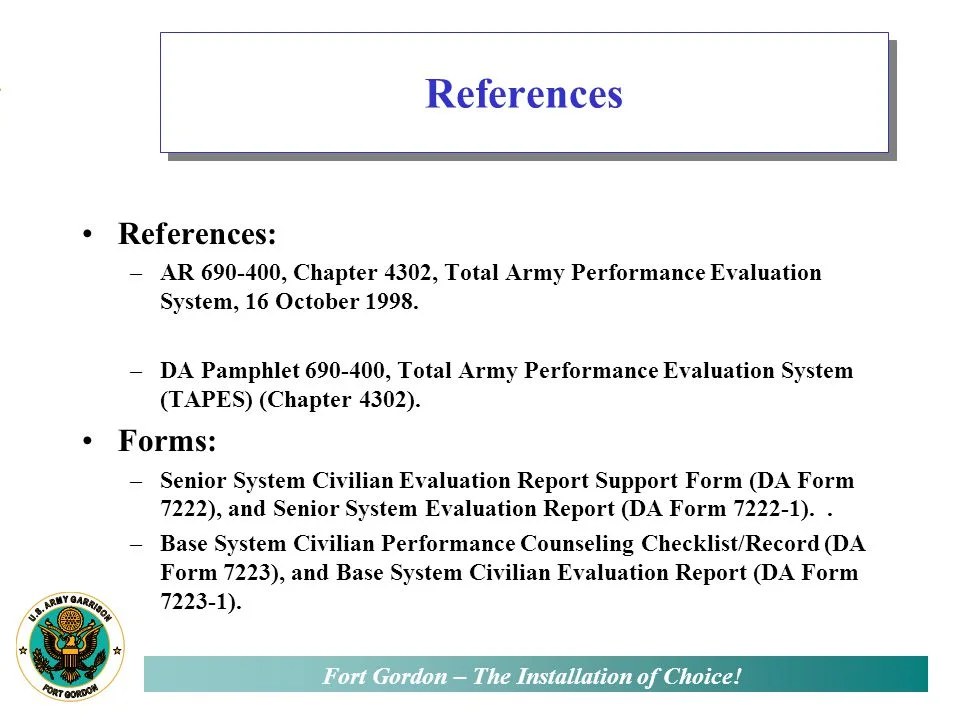
Keep Army personnel systems in perspective. The Army Evaluation Entry System contains evaluations and promotion information rather than identity-card records, so an OER or EES document is not proof that a spouse is eligible for a replacement card. Eligibility normally comes from DEERS sponsorship and the destination’s identification rules.
Update DEERS and the Family’s Contact Information
The sponsor should update DEERS promptly through milConnect whenever the spouse’s contact information changes. The spouse can also use myMilPortal when eligible. Confirm that the marriage and sponsorship records are correct, add or remove a spouse when the relationship changes, and keep the confirmation or updated record for in-processing.
PCS status is a separate issue. A card can remain in the spouse’s wallet while its access authorization is changed or suspended after the sponsor leaves the command. That is why a working card may fail at the new installation and why the sponsor’s in-processing transaction often triggers a fresh eligibility check.
Before departure, ask the losing installation whether it can issue a temporary pass, limited-access credential, or replacement photo card. If the family moves within Australia, request delivery of any newly issued credential to the new home and confirm that the address update has reached the correct system. Installation policies vary, so retain any temporary-access approval.
Complete In-Processing at the New Installation
At the gaining installation, the sponsor and spouse should complete in-processing together as soon as practicable. The family or ID office can then verify DEERS sponsorship, capture a new photo, and issue the appropriate Army Family ID or CAC. General US Army resources can provide background information, but the installation’s staff make the final eligibility and access decision.
Bring the PCS orders, passports, marriage certificate, children’s birth certificates where relevant, Australian driver’s licence or state identity card, and any available photograph or card details. A phone image can support the application but is not itself an access credential. Follow the office’s approved upload, appointment, and mailing process rather than sending original documents to an unverified email address or courier.
Coordinate Australian and U.S. Administration
Australian documents remain useful even though they do not replace U.S. military identification. Service NSW, VicRoads, and Queensland Transport issue state identity credentials for residents of New South Wales, Victoria, and Queensland. A current Australian passport may also be required for identity verification. In Sydney, Melbourne, or Brisbane, banks, mobile-phone providers, and ordinary retailers may ask for Australian photo ID, but those approvals do not update DEERS.
Keep Australian government benefits separate as well. A myGov account can connect Centrelink and Medicare services, while U.S. TRICARE eligibility and Army identification follow DEERS rules. Changes to an Australian address should therefore be made in the appropriate Australian service and milConnect rather than assumed to flow between systems. Families should allow the DEERS update to appear before applying for the replacement.
When copies of passports or marriage records move across borders, ask the U.S. office how they should be transmitted. Australian organisations handling those copies must consider the Privacy Act 1988 and applicable state privacy law. For postings that include another country, a country-specific consular resource such as the Ecuadorian Embassy in Spain is separate from the Army card process and cannot issue a U.S. installation credential.
Keep a Replacement-Ready Records Package
Maintain a file containing digital copies of the orders, DEERS confirmation, marriage certificate, identity documents, and lost-card report. Store the copies in more than one secure location and limit access to information needed for the application. If the sponsor also needs employment records after the move, the OER civilian resume guide explains how to translate service experience without treating an OER as identity evidence.
Before closing the case, use this checklist:
- Record the exact card type, issuing installation, date of loss, and the office that accepted the report.
- Save the DEERS confirmation, temporary-access approval, and appointment confirmation in a secure folder.
- Confirm the gaining installation’s eligibility rules before travelling for an appointment or shipping documents.
- Keep Australian identity documents, Medicare records, and U.S. military records in separately labelled sections.
- Obtain a replacement receipt or reference number and verify whether the new card requires separate activation.
- Update milConnect, myMilPortal, and base-directory contacts whenever the family address or sponsor’s command changes.